Nexora Labs · 3ds Max Plugin · 2026
Grow real ivy
on any mesh.
A from-scratch ivy generator for 3ds Max 2026. Shape the growth live over any surface, then build tapered branch geometry, a leaf mesh, and correctly-wired materials — all in one tool.
Get in touch →3ds Max 2026 · Corona & Physical Material
What it does
Shape the vines, then build the scene.
Grows on any mesh
Pick a climb object and start it with a ray-cast surface click, an object pivot, or a spline you drew yourself.
Shape first, build after
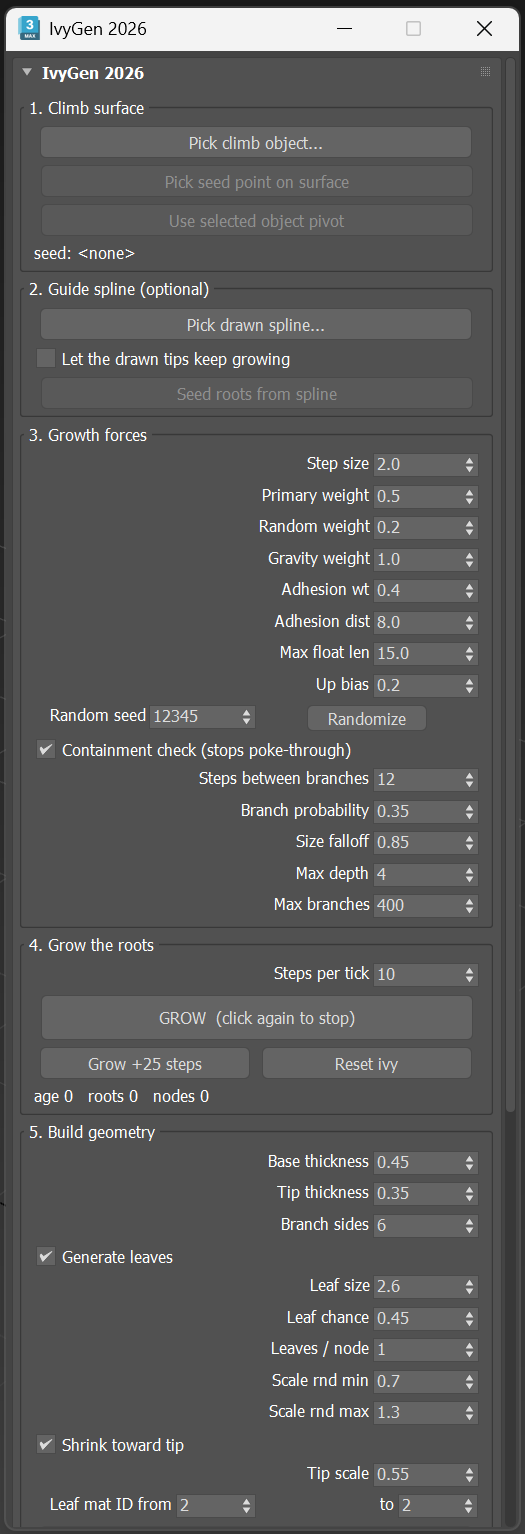
Growth runs as cheap lines you can watch and steer live. Build the branch and leaf geometry only once you like the shape — retry leaf settings without regrowing.
Guide-spline growing
Draw a line in the shape you want, seed roots from it, and side branches sprout and grow along your path — with the option to let the tips keep growing past it.
Real tapered geometry
Branches build as a proper tapered tube — thick at the root, thin at the tip — with each side-branch generation starting thinner automatically.
Materials, handled
Auto-detects Corona (physical or legacy) and falls back to Physical Material. Leaf opacity uses Corona's cheap cutout mode, and legacy spec maps are inverted to roughness automatically.
Built for real scenes
~12,000 nodes and 5,500 leaves across three seeds in 2.5 seconds. Containment checking stops vines poking through concave geometry when you need it.
FAQ
Questions, answered.
What do I need to run it?
3ds Max 2026. It installs as a MAXScript (.ms) file plus a macro (.mcr), nothing compiled and no admin rights required. Add the button once from Customize UI, or run it from the Listener.
Do I need Gtools Ivy installed too?
No. IvyGen is a standalone, clean-room reimplementation of the published Ivy Generator algorithm — it shares no code with Gtools Ivy and ships with its own original placeholder leaf and bark textures. If Gtools Ivy happens to already be installed on your machine, IvyGen can optionally reference its real art automatically, but never copies or redistributes it.
Will it work with my renderer?
It auto-detects Corona (preferring the physical material, falling back to legacy) and uses Physical Material if no Corona is present. You can also force a specific one.
Can I use my own leaf art?
Yes — point the leaf, alpha, and bark fields at your own maps, or swap in a fully custom leaf mesh. Custom meshes are normalised into the same local frame as the built-in quad, so they drop in without rescaling.